AI summarise
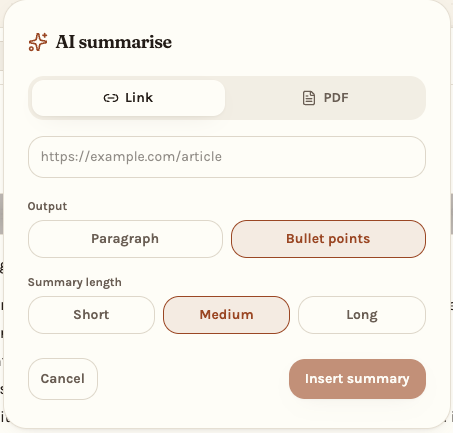
Paste a link or drop a PDF, pick paragraph or bullet points and a length, and the summary lands in your note.
Now with AI summarising and rewriting
Write it, say it, sketch it, or hand it a link to read for you. Then turn the same notes into a calendar or a Gantt timeline when the work needs a shape.
Calendar
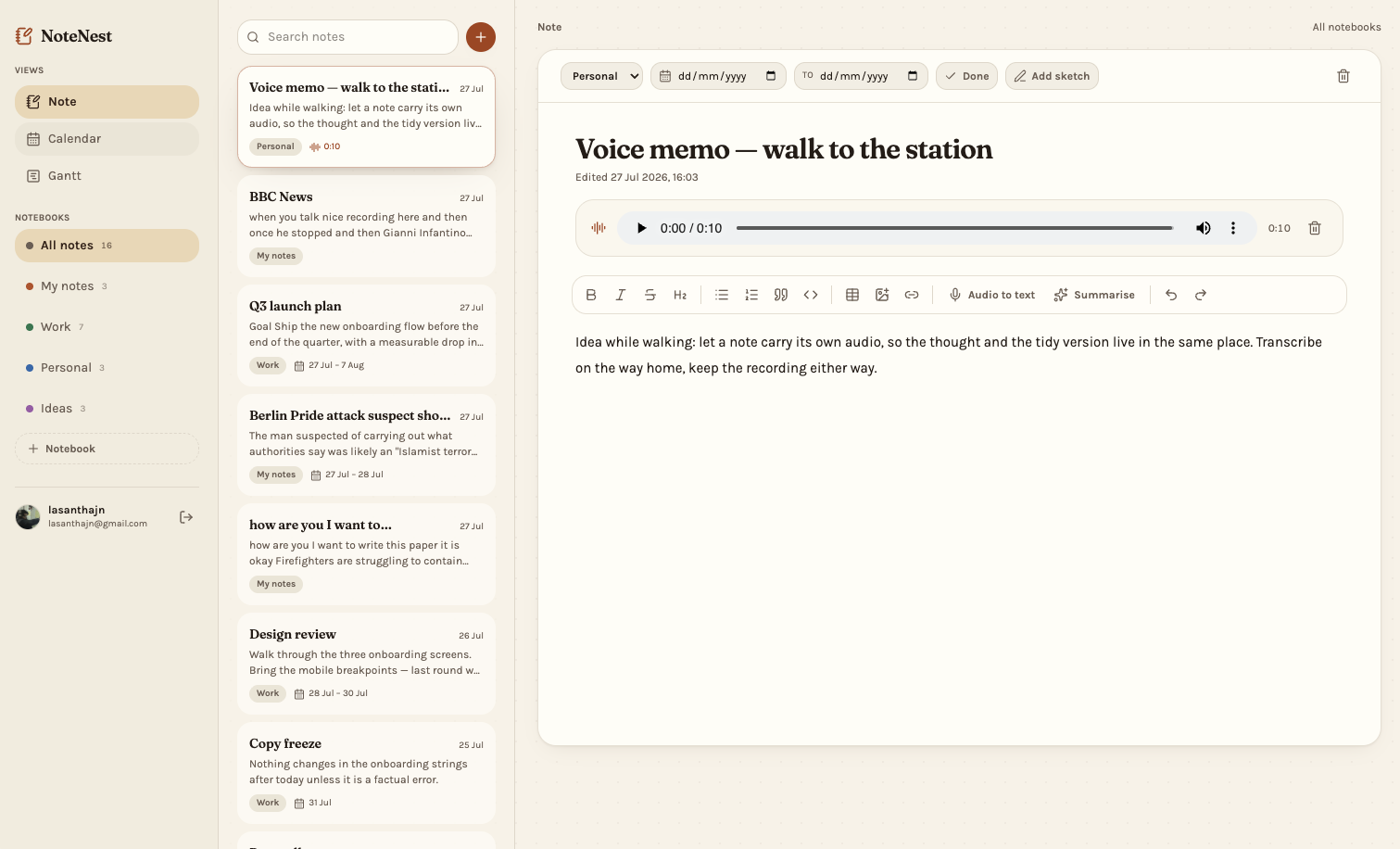
Give a note a start and end date and it lands on the calendar, colour-coded by notebook. Multi-day work stretches across the days it actually spans, so a busy week looks busy before it arrives.
Gantt
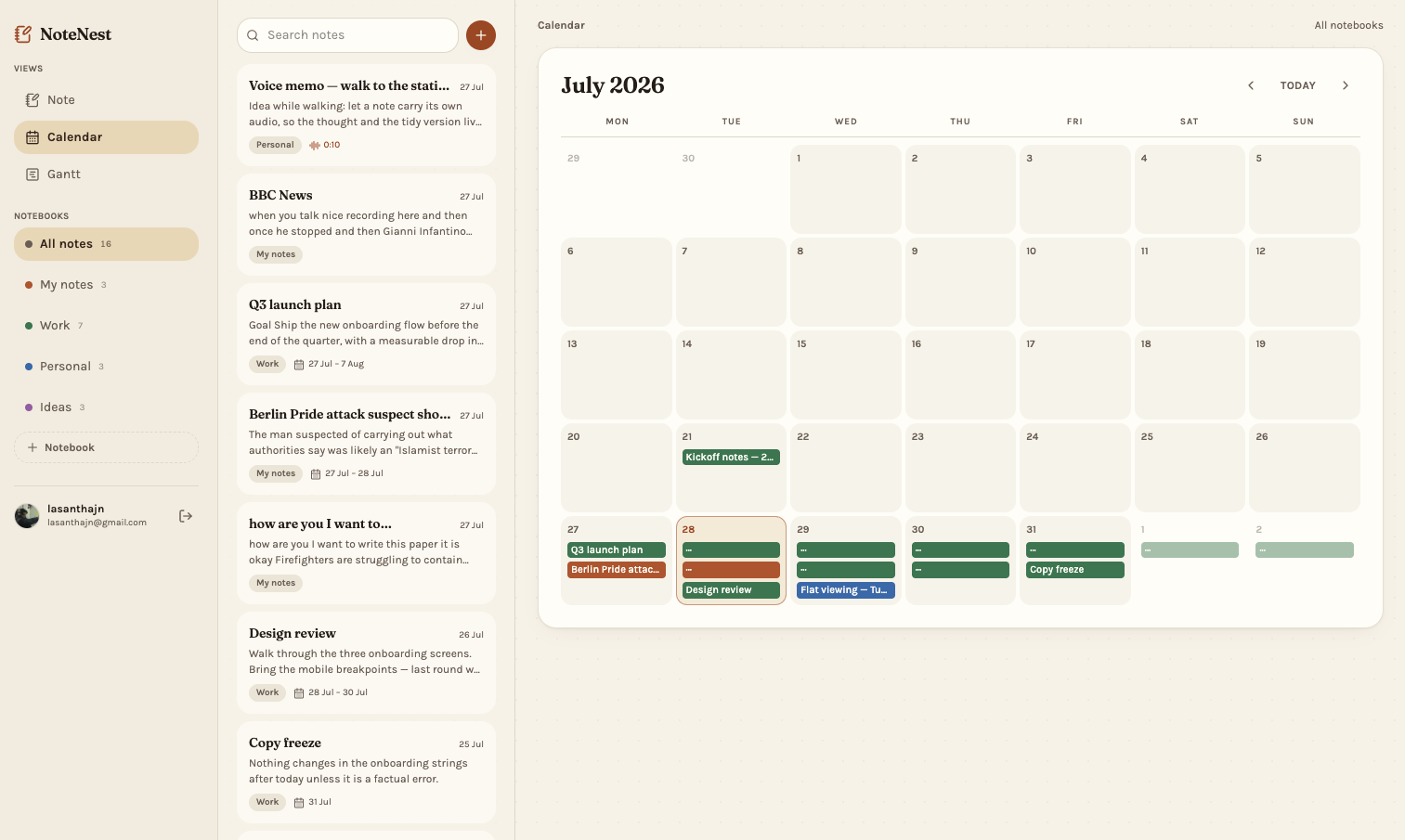
Switch to Gantt and every dated note becomes a bar with its duration. Pan across 14, 30 or 60 days to see what overlaps — no separate project tool, nothing re-entered.
What's inside
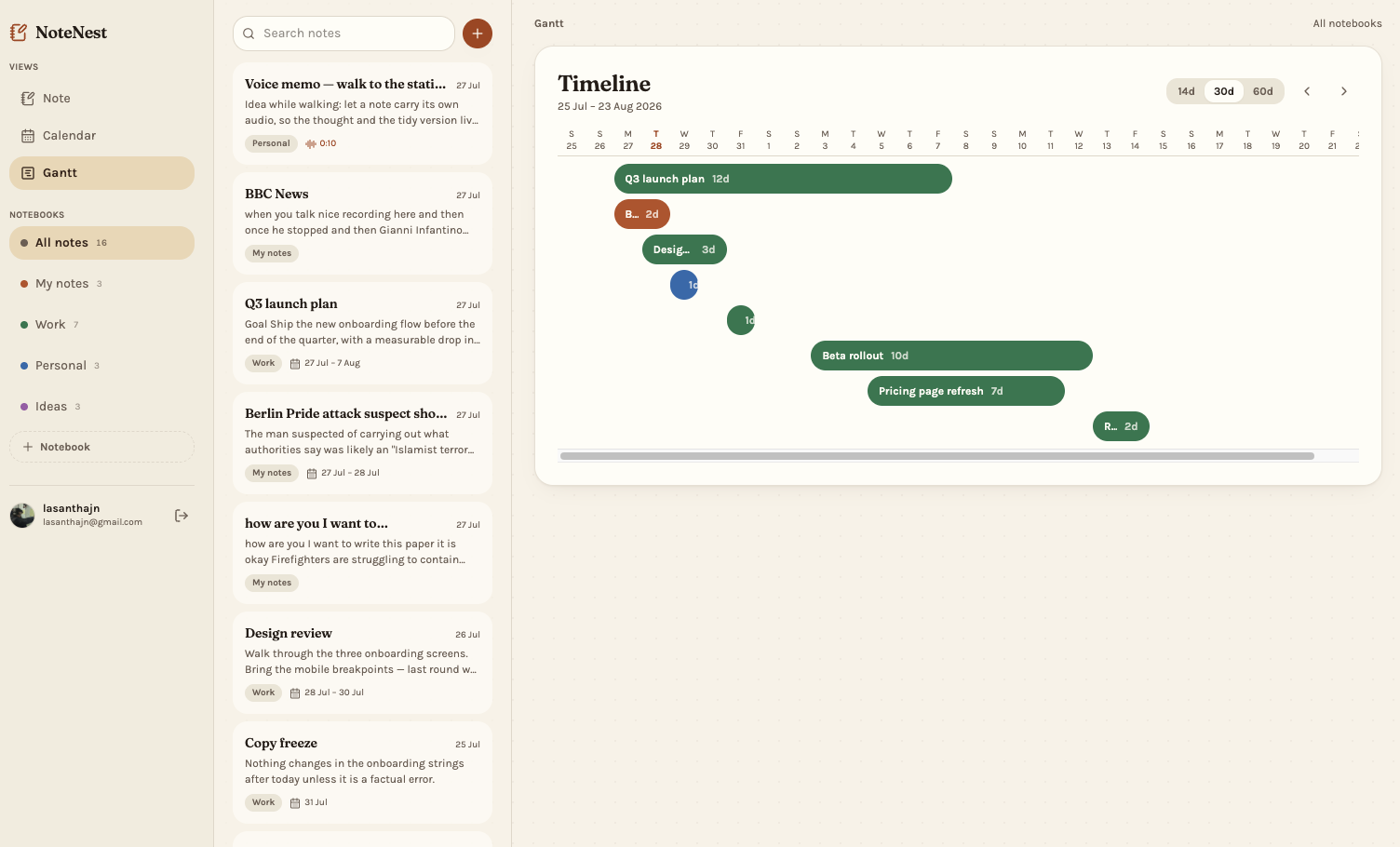
Notes are rarely just typing. NoteNest handles the rest of it too.
Paste a link or drop a PDF, pick paragraph or bullet points and a length, and the summary lands in your note.
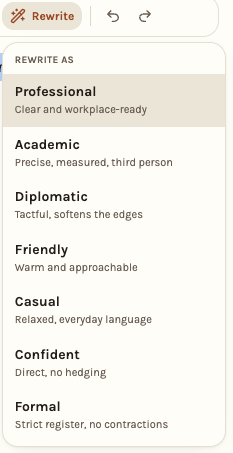
Highlight a passage and rewrite it as professional, academic, diplomatic, friendly, casual, confident or formal.
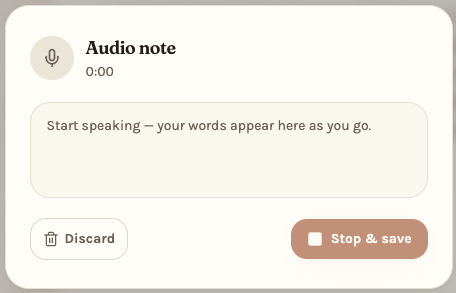
Record straight into a note and play it back later. The clip stays attached to the note it belongs to.
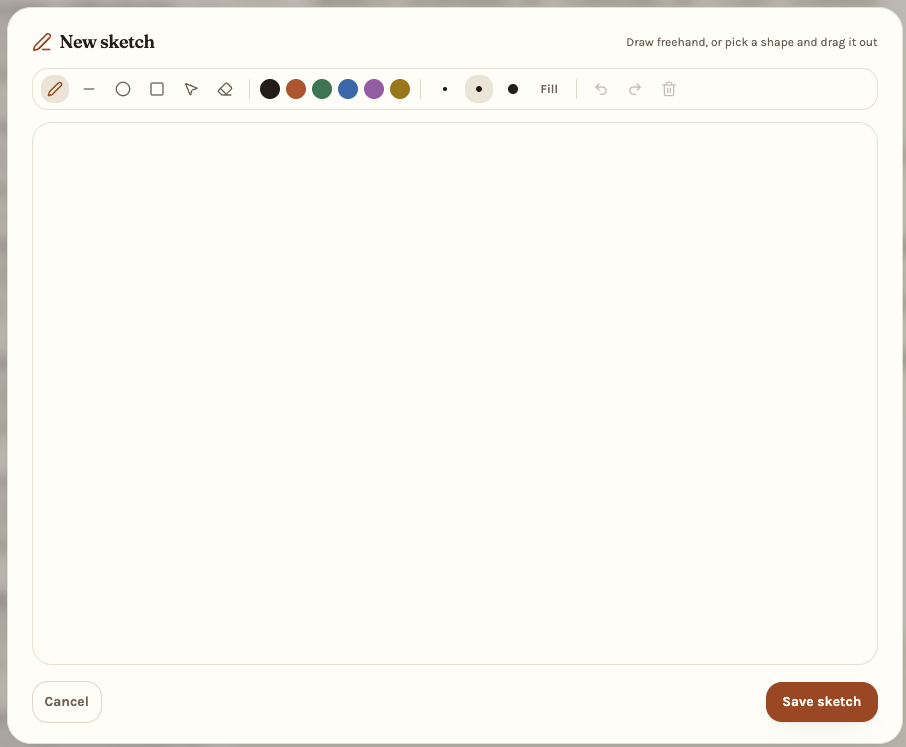
Draw freehand or drag out lines, circles and boxes in six inks. Every mark stays editable when you come back.
Headings, lists, tables, quotes, links and images — organised into notebooks, saved as you type.
Dictate straight into the page and watch the words appear, or transcribe while you record.
Full-text search across every note, and a done flag for the ones that are really tasks.
No setup, no templates to pick. Sign in and the first notebook is already waiting.